





Professor Teaches Publisher 2010
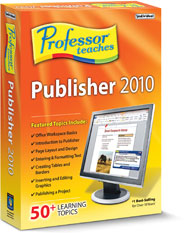
$14.99


Professor Teaches Publisher 2010 is a computer training program that uses a simulation of the Publisher 2010 software to teach you everything you need to know about Publisher 2010. This Professor Teaches course provides hours of lessons, training tutorials, and quizzes to help you get the most out of Publisher. Download the product and start learning Microsoft Publisher 2010 today!
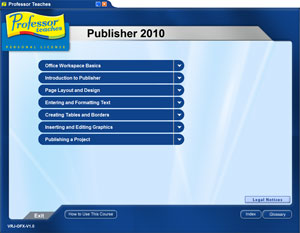 Professor Teaches helps you learn Microsoft Publisher 2010 every step of the way. |
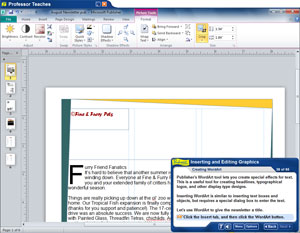 Our computer training course has several hours of Publisher 2010 tutorials, guides, and interactive exercises. |
What is Microsoft Publisher 2010?
Microsoft Publisher is a desktop publishing program that allows users, both professional and hobbyist, to create captivating media for print, web, e-mail and more.What are the Benefits of Learning Microsoft Publisher 2010?
There a several benefits for learning how to use Microsoft Publisher 2010, including:- Create Visually Stunning Marketing Materials for Your Company
- Design Print Media Material for Large Corporations
- Make Captivating Fliers for an Event, Party or Concert
- Create Great Looking Websites using Conversion Tools
What You Will Learn in Professor Teaches Publisher 2010
| Our extensive computer training course will cover the following topics: • Introduction to Microsoft Publisher 2010 • Working with Page Layout, Designs, Rulers, and Guides • Entering and Formatting Text • Creating Tables and Apply Borders • Editing and Inserting Graphics • Publishing a Complete Project • Converting Projects to Web Publication | |
| View the Microsoft Publisher 2010 Course Outline |
 |
|
|
|||||||||||||